
Best pet cameras for home searches usually come from the same place: you want to check in fast, hear what’s going on, and make sure your pet isn’t stressed, stuck, or chewing a cord while you’re away. The tricky part is that “pet camera” can mean anything from a basic indoor cam to a treat-tossing device with AI alerts, and the wrong match is how people end up with noisy notifications, weak Wi‑Fi performance, or a camera aimed at the wrong corner of the room.
This guide narrows the field the way a practical buyer would, by room layout, pet behavior, and how much you actually want to interact during the day. You’ll get a feature checklist, a comparison table, setup tips that prevent common misses, plus privacy considerations that matter more than most product pages admit.
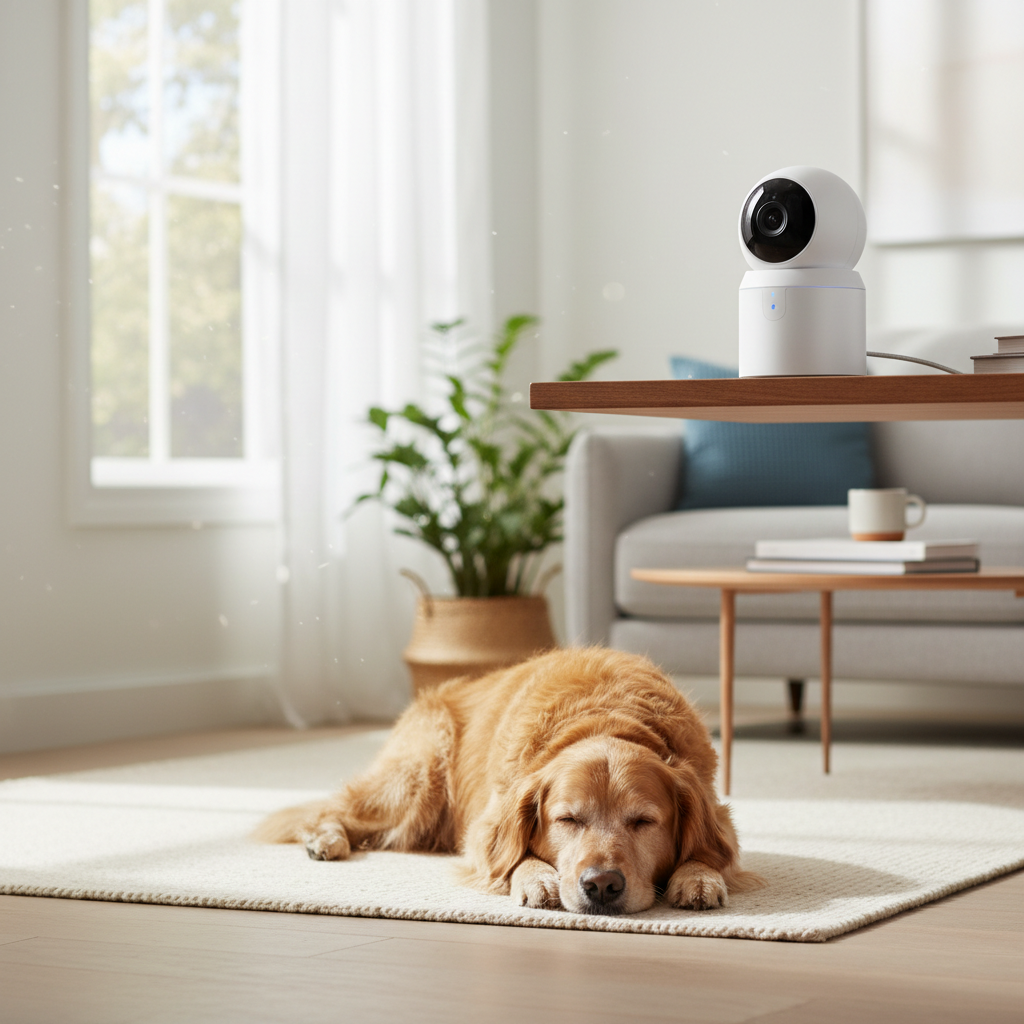
One quick expectation reset: even the nicest camera won’t fix separation anxiety or training issues by itself, it just helps you see patterns and intervene earlier. If you treat it like a home safety tool first and a “fun gadget” second, you usually end up happier with what you buy.
What actually matters in a pet camera (and what’s mostly hype)
Most cameras look similar on a spec sheet, but a few details decide whether it’s useful on a random Tuesday afternoon.
- Video quality in real rooms: 1080p is often enough, but low-light performance and HDR (handling bright windows) matter more than chasing 2K/4K.
- Field of view and placement flexibility: wide-angle helps small rooms, while pan/tilt helps if your pet roams or you can’t mount perfectly.
- Audio that works both ways: two-way talk is only helpful if the mic doesn’t clip and the speaker isn’t tinny. If your pet startles easily, you’ll want volume control.
- Alerts you can trust: motion alerts are table stakes; pet-specific detection can reduce spam, but it depends on lighting, camera angle, and the app’s tuning.
- Privacy and account security: local storage options, encryption, and multi-factor authentication matter because this is a camera inside your home.
According to the Federal Trade Commission (FTC), using strong, unique passwords and enabling multi-factor authentication are basic steps to reduce account takeover risk. For pet cameras, that’s not “IT paranoia,” it’s common sense.
Quick comparison table: which type fits your home?
This table won’t pick a brand for you, but it will usually point you to the right category of camera, which is where most buying mistakes happen.
| Type | Best for | What you’ll like | Common downside |
|---|---|---|---|
| Basic indoor Wi‑Fi cam | Checking in, simple recording | Affordable, easy to place, good apps | Alerts can be noisy without tuning |
| Pan/tilt indoor cam | Pets that move room-to-room | Follow action, fewer “out of frame” moments | More moving parts, needs better placement |
| Treat-tossing pet cam | Interactive check-ins, training reinforcement | Engagement, can redirect boredom | Treat jams, cleanup, some pets over-fixate |
| Subscription cloud cam | People who want timelines and clips | Simple playback, smart alerts often better | Ongoing cost, privacy depends on vendor |
| Local storage / hub-based cam | Privacy-focused homes | Less reliance on cloud, can be faster | Setup complexity, storage management |
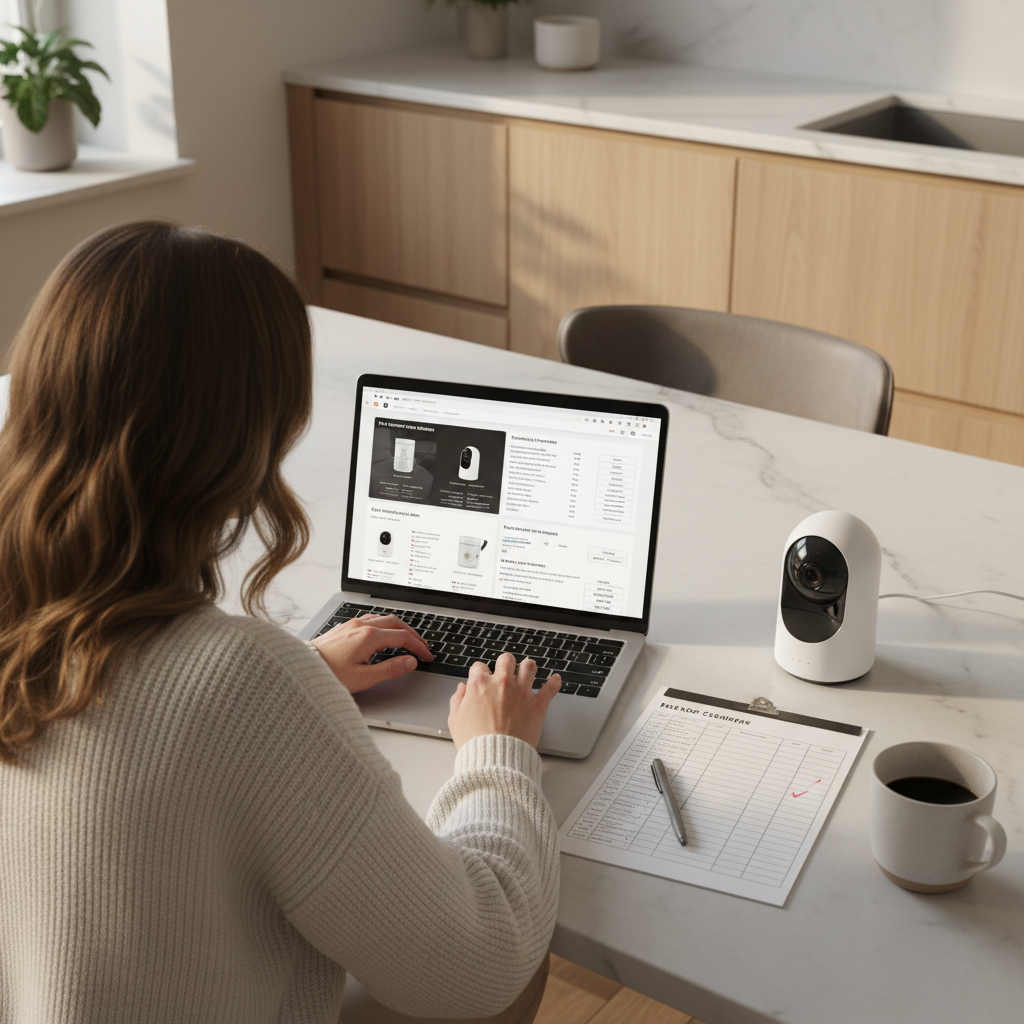
If you’re shopping for the best pet cameras for home use in 2026, this “type-first” approach saves time because you stop comparing five cameras that will all fail for the same reason in your space.
Match the camera to your pet and your room (real-world scenarios)
If your pet stays in one main area
A basic indoor cam aimed at the primary hangout spot usually does the job. Spend more energy on placement than specs: a corner view that shows the bed, water, and the most common pacing route is more valuable than higher resolution pointed at a blank wall.
- Pick a wide-angle lens if the room is tight.
- Prioritize decent night vision if you’re away evenings.
- Look for “activity zones” so you can ignore the window glare area.
If your pet roams, paces, or changes rooms
Pan/tilt helps, but only if you place it high enough to avoid “staring into fur” when your pet walks close. If your home has dead zones, sometimes two basic cams beat one fancy one.
- Mount higher than eye level, angled slightly downward.
- Use a second camera for the hallway choke point if you can’t cover the whole space.
- Consider 5 GHz Wi‑Fi support if your router and layout allow it.
If barking alerts are the main goal
Not all cameras handle audio triggers well, and many “sound alerts” fire for TVs, dish clinks, or the neighbor’s dog. If you need reliable barking events, look for cameras with adjustable sensitivity and clear event labeling, then plan a week of tuning.
If you want treat toss + interaction
Treat cams can be great, but they’re not universal. Some dogs get pushy, some cats ignore it, and treat size matters for jams. Keep treats small, dry, and consistent, and assume you’ll clean the chute occasionally.
A fast self-checklist before you buy
Use this to narrow choices in five minutes.
- Room lighting: do you have strong window light by day or mostly lamps at night?
- Typical pet distance: will your pet approach the camera closely, or stay across the room?
- Internet stability: is your Wi‑Fi solid where the camera will live?
- Recording need: do you want occasional live check-ins, or clips you can review later?
- Noise tolerance: will constant notifications stress you out?
- Privacy comfort: are you okay with cloud uploads, or do you prefer local storage?
- Household dynamics: do roommates or kids need access, and can you manage permissions?
If you answered “yes” to reviewing clips later, you’re likely comparing subscription vs local storage more than camera models. That’s a good sign you’re focusing on what actually changes daily use.
Setup tips that make the camera feel “worth it”
A lot of disappointment comes from setup shortcuts. These steps are boring, but they prevent the common regrets.
1) Place it for behavior, not for aesthetics
- Start with the pet’s bed, crate, or favorite couch corner in frame.
- Avoid pointing directly at a bright window; angle 10–20 degrees away if you can.
- Keep cords out of reach, especially for puppies and chewers.
2) Tune alerts like you mean it
- Turn on activity zones and exclude curtains, windows, and ceiling fans.
- Reduce sensitivity for the first week, then increase only if you miss events.
- Choose “people detection” carefully; it can be helpful for pet sitters, but it’s still an indoor camera.
3) Decide your recording plan on day one
- Cloud recording: easy playback, but read retention rules and pricing before you commit.
- MicroSD/local: better control, but test that playback is usable in the app.
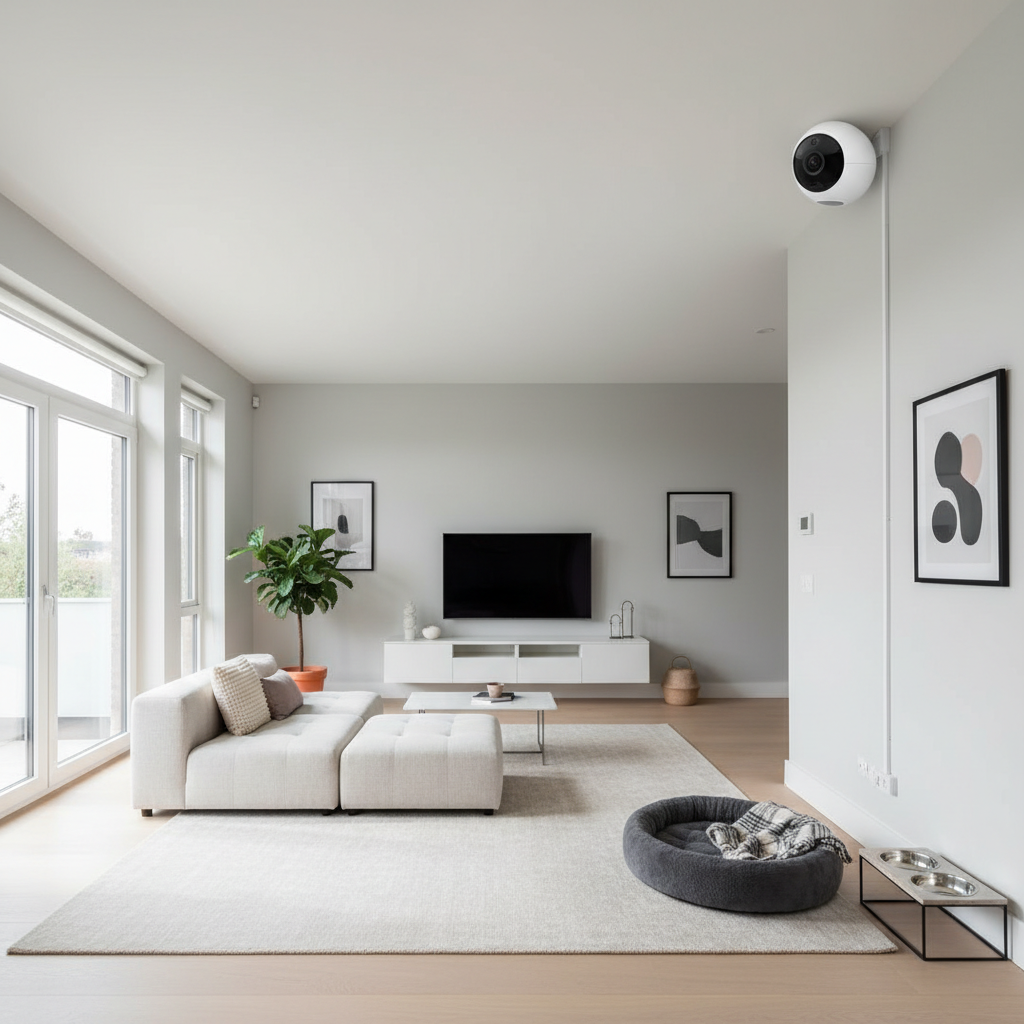
For many households, the best pet cameras for home use end up being the ones you can trust to work quietly in the background, with alerts that mean something and video you can actually find later.
Privacy and security basics (don’t skip this part)
Indoor cameras are sensitive by default. If you’re buying one, you’re also choosing an account system and a data-handling approach.
- Enable multi-factor authentication if the app offers it.
- Use a unique password, not your usual one.
- Check for a physical privacy shutter or an easy “camera off” mode if you want downtime at home.
- Review who can access the feed, especially if you share with pet sitters.
- Keep firmware updates on auto when possible, or set a monthly reminder.
According to the Cybersecurity and Infrastructure Security Agency (CISA), timely software updates reduce exposure to known vulnerabilities. That applies to pet cameras the same way it applies to phones and laptops.
Common mistakes buyers make (and how to avoid them)
- Buying for 4K and ignoring night performance: if you check in after dark, low-light quality matters more.
- Assuming “AI detection” means zero false alarms: it usually needs zone setup and a few days of tuning.
- Mounting too low: you get nose-cam footage and constant motion triggers.
- Forgetting about sound: two-way audio that echoes can make some pets more anxious, so test calmly and keep it short.
- Not budgeting for storage: cloud plans add up, and local storage still needs a card and a plan for reviewing clips.
When a pet camera isn’t enough (and what to do next)
If your video shows persistent pacing, self-injury, repeated escape attempts, or extreme vocalizing, a camera gives visibility but not a fix. Many situations benefit from talking with a veterinarian or a qualified trainer, especially if anxiety, pain, or sudden behavior changes seem possible.
For health or safety concerns, it’s usually smarter to treat the camera as evidence-gathering: record a few short clips, note timing and triggers, then bring that context to a professional instead of trying to “solve it” with more notifications.
Key takeaways and a practical conclusion
If you’re choosing among the best pet cameras for home options for 2026, focus on fit: your room layout, your pet’s movement patterns, and how you want alerts to behave. Specs matter, but placement, alert tuning, and a sensible privacy setup decide whether you keep using the camera after the first week.
- Pick the camera type first, then compare models inside that category.
- Plan your storage before you buy, so you don’t get locked into a setup you dislike.
- Secure the account on day one with MFA and a unique password.
If your next step is shopping, make a short shortlist and verify it supports the one feature you’ll use weekly, not the one that looks coolest on the box.
FAQ
What features matter most when picking a pet camera for home?
Reliable Wi‑Fi performance, usable night video, and alerts you can tune tend to matter more than ultra-high resolution. Two-way audio and pan/tilt are great when they match your pet’s habits and your room layout.
Do I need a subscription for a pet camera to be useful?
Not always. If you mainly want live check-ins, many cameras work fine without a plan. Subscriptions usually matter when you want longer clip history, smarter alerts, or easier timelines.
Is local storage safer than cloud recording?
Local storage can reduce reliance on a vendor’s cloud, but it still depends on app security and your account settings. If privacy is a priority, look for MFA, clear encryption language, and simple ways to disable the camera when you’re home.
Where should I place an indoor pet camera for the best view?
High and slightly angled downward usually captures more usable footage and reduces false motion triggers. Aim toward the pet’s main rest area and keep bright windows out of the center of frame.
Why do motion alerts keep firing when my pet isn’t moving?
Sunlight shifts, TV flicker, fans, and curtains can trigger motion. Activity zones and sensitivity controls fix most of it, but you may need a few days of adjustments to match your space.
Are treat-tossing cameras good for anxious pets?
Sometimes, but it depends on the pet. For some dogs it’s calming and enriching, for others it increases arousal or frustration. If anxiety seems severe or sudden, it’s reasonable to consult a veterinarian or trainer.
How many pet cameras do I need for an average home?
Many people do fine with one camera covering the primary room. If your pet spends time in multiple areas or your layout has a long hallway and closed doors, two simpler cameras can be more effective than one complex unit.
If you’re narrowing down options and you want a more “set it and forget it” setup, it can help to list your top two rooms, your must-have feature (clips, pan/tilt, or treat toss), and your privacy comfort level, then choose a camera category that matches instead of chasing every new 2026 feature.